Our branches and call center will be closed Wednesday, November 11, in observance of Veterans Day. Due to this, early direct deposits will post on Thursday, November 12. Online and Mobile Banking are available 24/7. We appreciate your understanding and wish you a restful holiday as we honor those who served.
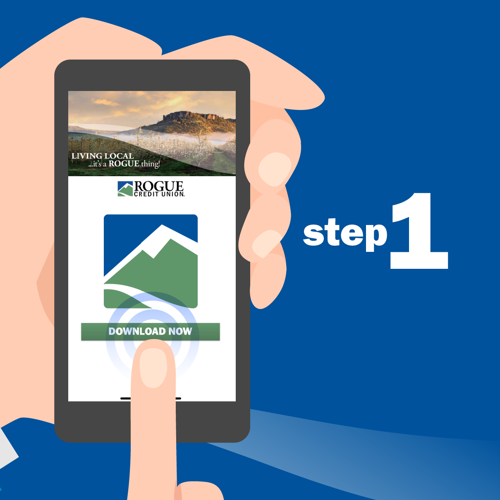
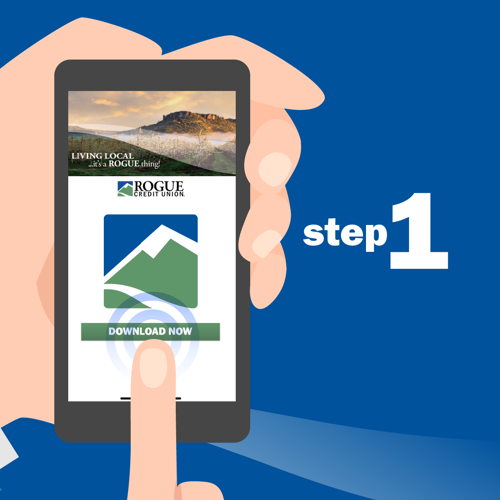
Step 1: Download Rogue's Mobile Banking app for iOS.
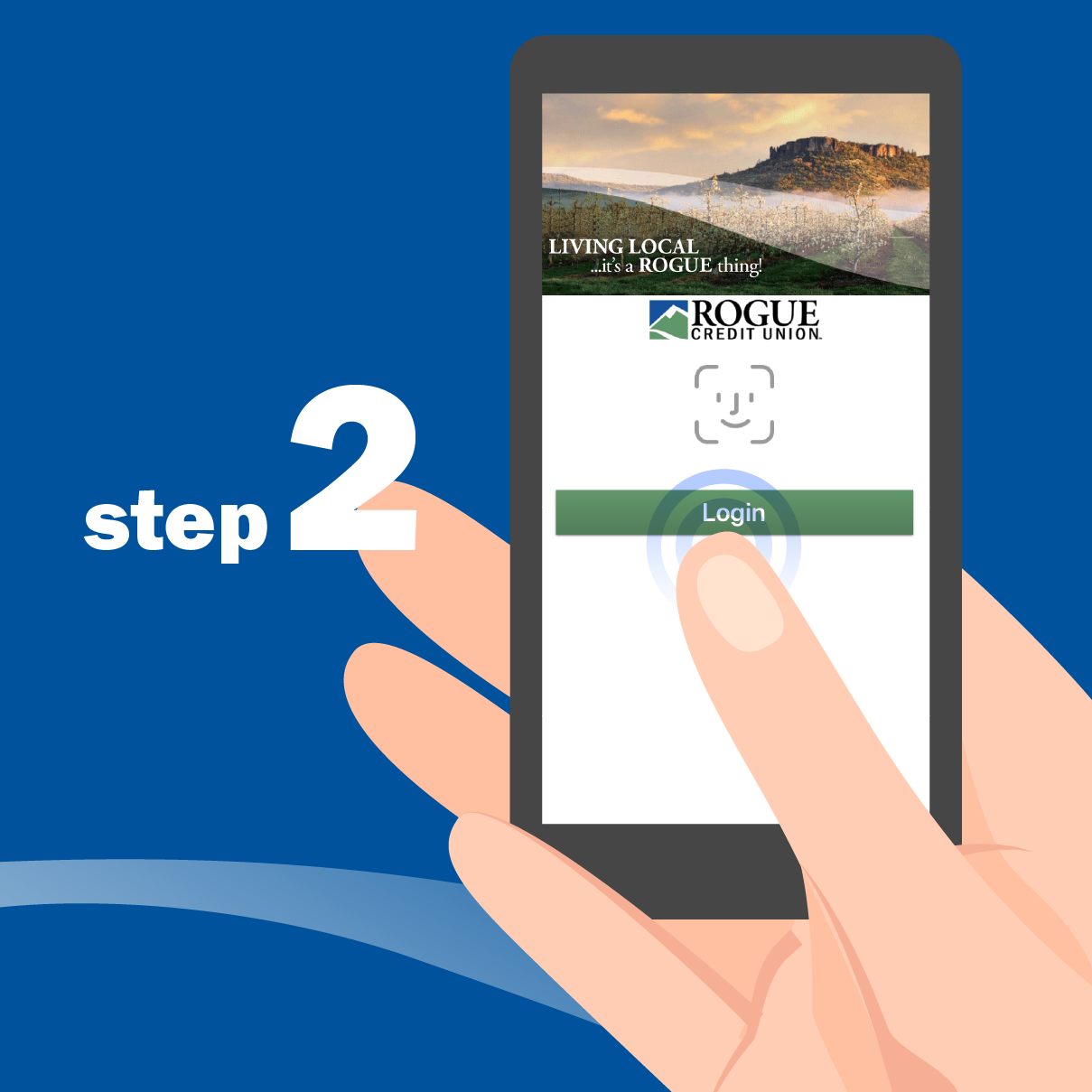
Step 2: Open the app. Log in with the username and password you use for Online Banking.
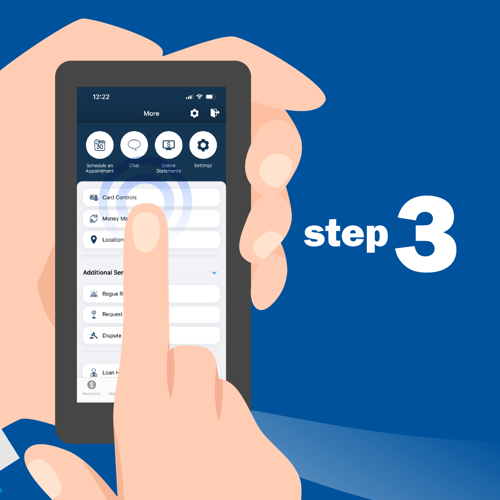
Step 3: Tap "More," then select "Card Controls" at the top of the list.
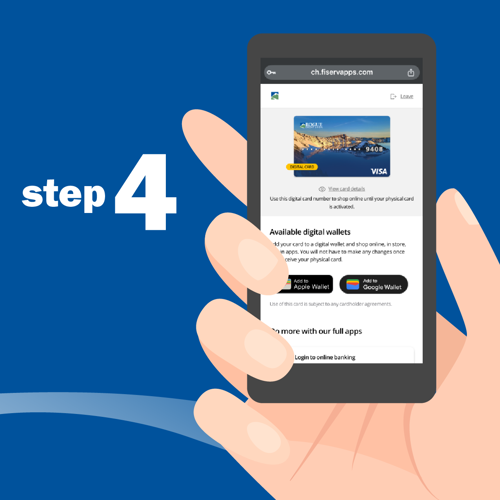
Step 4: Tap the "Apple Wallet" icon below your card.
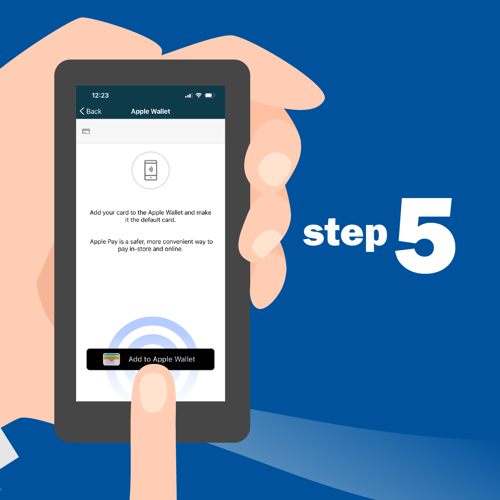
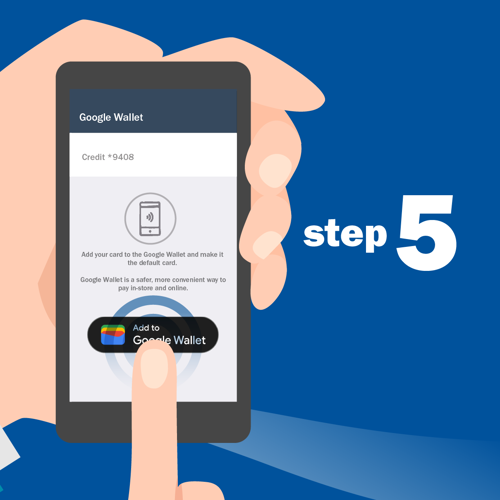
Step 5: Tap "Add to Apple Wallet."
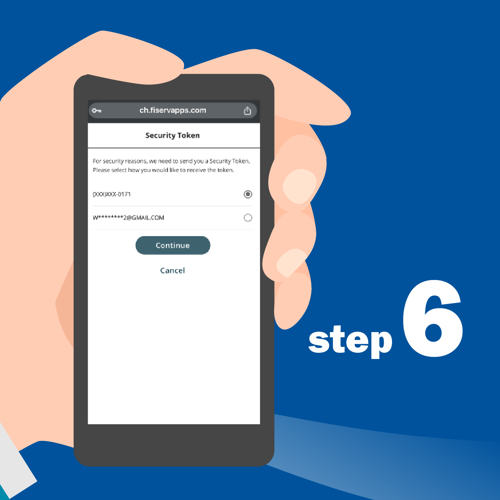
Step 6: Choose how you'd like to receive your security token (email or phone number). Then tap "Next."
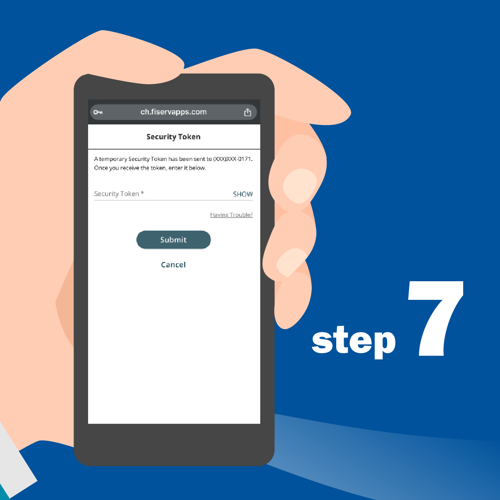
Step 7: Enter the security token you received and tap "Next."
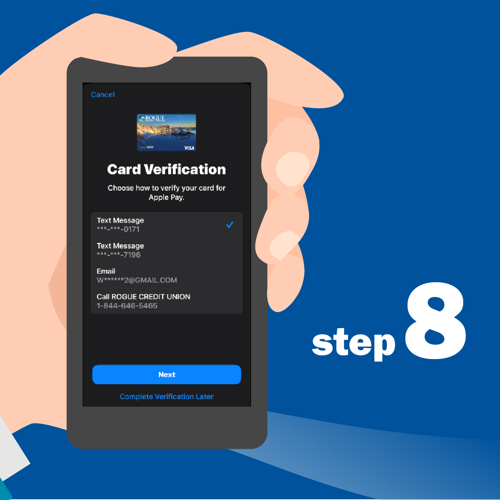
Step 8: Verify the name on your card and the last digits of the card number. Then tap "next."
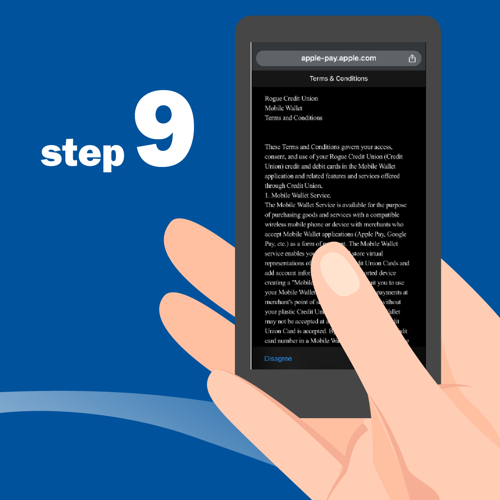
Step 9: Accept the terms and conditions.

Step 10: Success! You've added your card to Apple Pay. Tap "Done" to close the confirmation message.